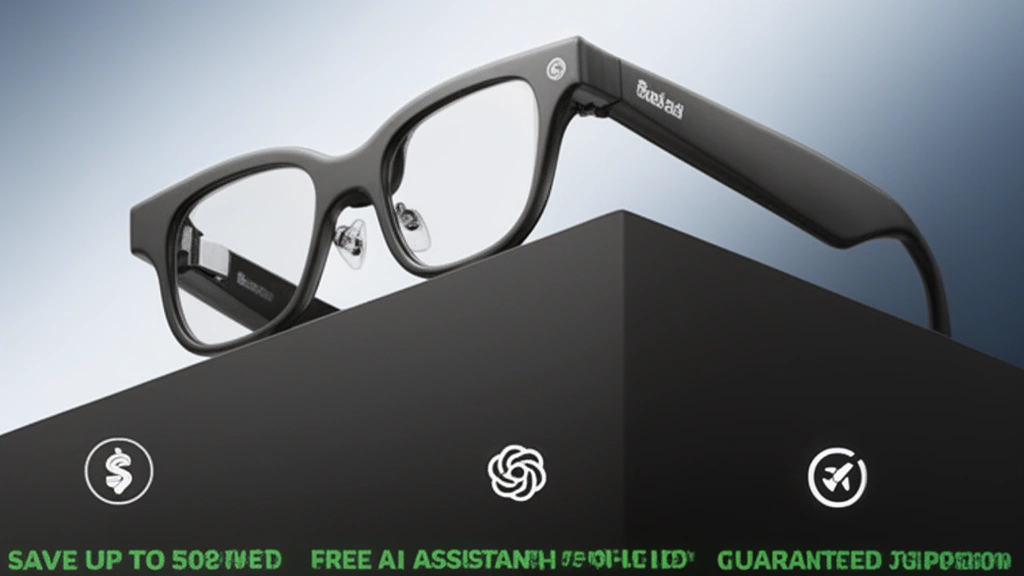
Are AI Glasses Safe for Eyes? Learn the real risks, blue light impact, and expert insights in this 2026 safety guide before using smart glasses.
As the market floods with everything from heavy Augmented Reality (AR) headsets to ultra-light smart sunglasses, understanding the impact on your visual health is essential. Whether you are experiencing smart glasses eye strain, worrying about blue light exposure, or simply researching before buying your first pair, this guide covers everything you need to know.
We will explore the latest 2026 visual acuity research, the differences between display and non-display smart glasses, and actionable steps to prevent digital eye strain.
Quick Overview & Highlights
Who this guide is for:
Tech users, outdoor vloggers, professionals, and anyone considering buying smart glasses but concerned about long-term AI glasses eye safety and digital eye strain.
The Problem it Solves:
Clears up the confusion between AR glasses (which project screens into your eyes) and audio/camera-based AI glasses (which have no display). It provides practical methods to reduce eye fatigue and safely integrate smart eyewear into your daily routine.
Key Takeaway:
Not all smart glasses are bad for your eyes. In fact, “no-display” models like the Rokid AI Glasses Style Ultra-Light Smart Sunglasses bypass screen-induced eye strain entirely, acting instead as a hands-free voice assistant to actually reduce your smartphone screen time.
[Check Latest Pricing on Screenless AI Glasses]
Why Smart Glasses Eye Safety Matters
If you are asking, “Do AI glasses damage eyesight?” you are not alone. Ophthalmology concerns regarding wearable displays have grown significantly. Understanding the root causes of discomfort is the first step to protecting your vision.
The Real Risks of Wearable Displays
When discussing AR glasses eye health, researchers point to several specific phenomena:
- Vergence-Accommodation Conflict (VAC): This occurs in AR/VR headsets and display glasses. Your eyes focus on a screen millimeters away, but converge on a virtual object appearing meters away. This sensory mismatch is a primary cause of AI glasses headaches and blurred vision.
- Digital Eye Strain (DES): Screen proximity eye fatigue is common with near-eye displays. Symptoms include smart glasses dry eyes, visual fatigue, and neck pain.
- Reduced Blink Rate Screen Use: Staring at tiny projected screens drastically reduces how often you blink, leading directly to screen-induced dry eye syndrome.
- Inattentional Blindness: When multitasking with a visual display while walking or driving, cognitive load theory dictates that your brain may fail to process real-world hazards, leading to a smart glasses road safety risk.
The “No-Display” Advantage
Most guides fail to make this distinction: AI glasses without a display pose almost zero risk of digital eye strain. Devices that rely on open-ear audio and voice AI (like ChatGPT 5.2) allow you to interact with technology while keeping your visual field 100% natural and unobstructed.
Step-by-Step Instructions: How to Reduce Eye Strain from Smart Glasses
If you use smart glasses with a display (like Xreal) or frequently use your smartphone alongside your AI glasses, follow these steps to maintain optimal eye health.
Step 1: Apply the 20-20-20 Rule
Every 20 minutes, look at an object at least 20 feet away for 20 seconds. This simple habit resets your eye muscles and prevents eye muscle fatigue from AR glasses.
Step 2: Optimize Smart Glasses Brightness Adjustment
If your glasses have a Heads-Up Display (HUD), never use maximum brightness indoors. Lowering the brightness reduces blue light circadian rhythm disruption and minimizes glare. Use night mode for AR glasses if available.
Step 3: Actively Manage Dry Eyes
Because near-eye displays reduce blink rates, keep artificial tears for screen dryness handy. Apply lubricating drops before putting on display-enabled AR glasses to prevent irritation.
Step 4: Practice Proper Posture
Posture while wearing smart glasses is critical. Looking up or down at a poorly aligned AR projection causes neck and eye strain. Ensure the frames sit flush on your nose bridge.
Step 5: Transition to Audio-First Wearables
To eliminate visual fatigue completely, switch to non-display AI glasses for your daily tasks. Using voice commands to ask ChatGPT questions or translate languages removes the need to stare at a screen.
Pro Tip: Need to upgrade your daily carry? [Explore Ultra-Light Smart Sunglasses with Open-Ear Audio].
Multiple Methods & Alternatives: Choosing the Right AI Glasses
Not all AI glasses are built the same. Here is a breakdown of the different types of smart glasses and their impact on eye health.
Method A: No-Display AI Smart Glasses (Safest for Eyes)
These glasses focus on cameras, microphones, and open-ear audio. Because there is no screen projecting light into your retinas, there is no risk of VAC or blue light exposure.
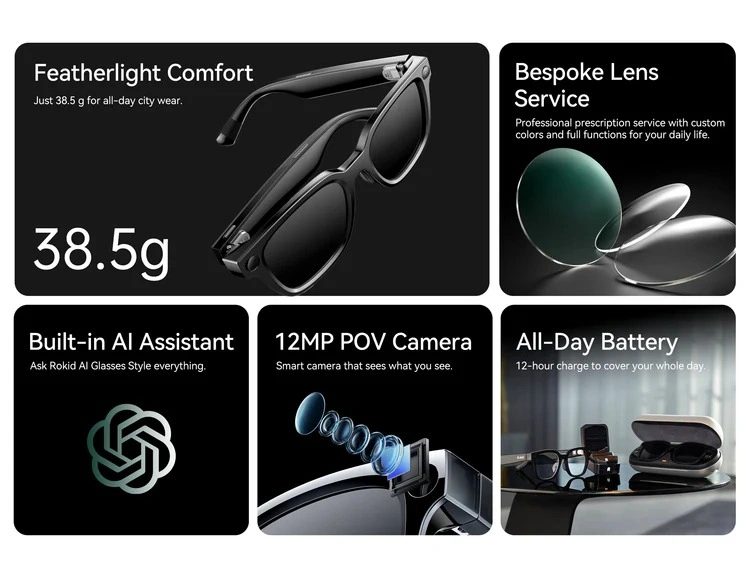
- Top Contender: Rokid AI Glasses Style Ultra-Light
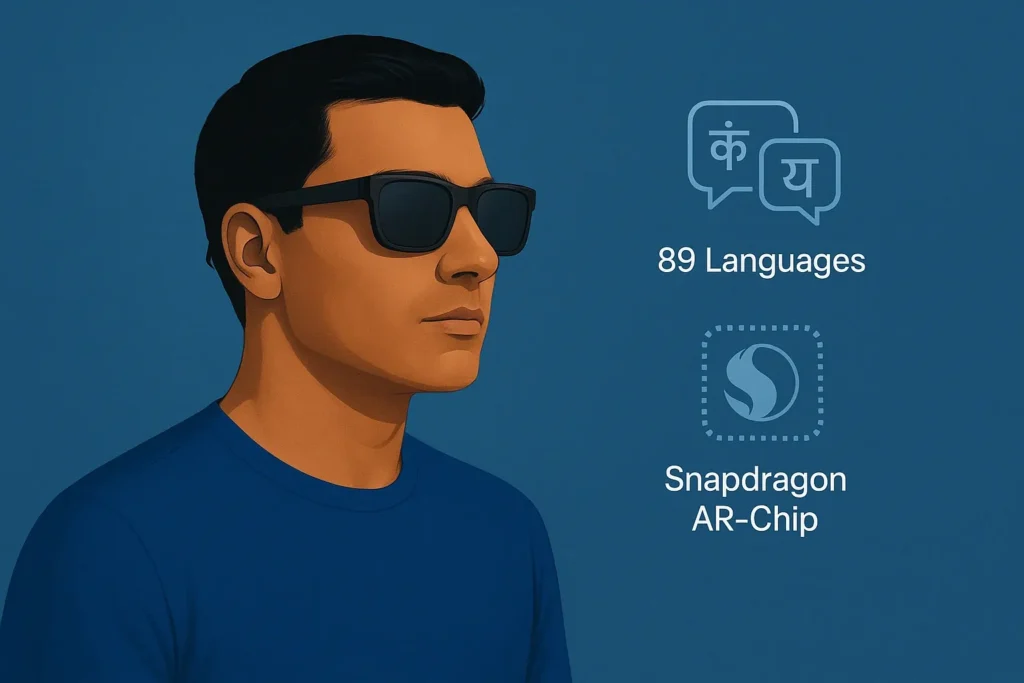
- Why it works: Weighing only 38.5g, these feature ChatGPT 5.2 integration, real-time translation for 89 languages, and a 12MP first-person camera. With no display, they offer UV400 protection outdoors while eliminating all digital eye strain.
- Best for: Cycling, hiking, outdoor vlogging, and all-day safe wear.
Method B: Social Media & Audio Glasses
Similar to the Rokid, these focus on content capture and audio without a display.
- Top Contender: Ray-Ban Meta Smart Glasses
- Why it works: Good fashion appeal and Meta ecosystem integration. However, they are heavier (~50g) than the Rokid Style, which can cause physical bridge-of-nose fatigue during long wear.
Method C: AR Smart Glasses with Displays
These glasses overlay digital interfaces onto the real world using prisms or waveguides.
- Top Contenders: Xreal Air, Magic Leap.
- Why it works: Excellent for watching movies or virtual monitors.
- The Trade-off: High risk of smart glasses eye strain, VAC, and battery drain. Not recommended for walking or driving due to attention split.
Competitor Gap Analysis: Rokid vs. Meta vs. AR Displays
| Feature | Rokid AI Glasses Style | Ray-Ban Meta | AR Display Glasses (e.g., Xreal) | Eye Safety Rating |
| Display | None (Audio/Voice only) | None (Audio/Voice only) | Virtual HUD / OLED | Rokid/Meta: Very Safe. AR: Monitor usage. |
| Weight | 38.5g (Ultra-light) | ~50g | 70g – 100g+ | Rokid: Best for all-day comfort. |
| AI Assistant | ChatGPT / GPT-5 | Meta AI | Varies | Both Rokid & Meta reduce screen time. |
| Primary Use | Real-time translation, outdoor vlogs | Social media clips | Virtual monitors, gaming | Rokid is optimal for spatial awareness. |
Common Mistakes to Avoid with AI Glasses
Even with the safest smart glasses, users often make mistakes that lead to discomfort or danger.
- Wearing Dark Lenses Indoors: Wearing smart sunglasses with dark tints indoors reduces visual acuity. This forces your eyes to work harder in low light, leading to headaches. Opt for photochromic (transition) lenses if you move indoors frequently.
- Ignoring the Distraction Risk: Are smart glasses dangerous while driving? If they have a display, absolutely. Even with audio-only AI glasses, engaging in deep conversations with ChatGPT can cause cognitive distraction. Maintain environmental awareness.
- Treating AR Glasses like Regular Glasses: Can you wear AI glasses all the time? Audio-only glasses, yes. But wearing AR display glasses for 10 hours straight is a major mistake that invites severe eye muscle fatigue.
Efficiency & Time-Saving Hacks (The Unconventional Approach)
Most people assume adding a wearable tech device increases eye strain. Here is a rarely-covered efficiency hack: Use AI glasses to cure smartphone eye strain.
By wearing screenless AI glasses, you can offload tasks that usually require staring at your phone.
- Hands-free queries: Instead of hunching over your phone to Google a fact, simply ask your glasses’ ChatGPT assistant.
- Audio translation: Instead of staring at a translation app while traveling, use real-time audio translation.
- Capturing moments: Snap a 12MP photo using voice commands rather than framing it through a glaring phone screen.
This method drastically cuts down your daily screen time, resting your eyes while keeping you hyper-productive.
Accessories, Tools, and Customizations
To maximize both safety and utility, consider these optional add-ons:
- Prescription Lenses: If you require vision correction, do not wear smart glasses over your regular glasses. Brands like Rokid offer customization services for prescription lenses.
- Photochromic (Transition) Lenses: Essential for eye safety. These lenses block UV400 rays outdoors (perfect for hiking and cycling) and turn clear indoors, preventing low-light eye strain.
- Blue Light Blocking Lenses: If you use your AI glasses strictly for audio while working on a computer, getting clear lenses with a blue light filter adds a layer of protection against computer screens.
- Portable Charging Cases: The Rokid AI Glasses Style offers an optional 3000mAh charging case. Keeping your glasses charged ensures you don’t have to revert to looking at your phone mid-day.
(Note: The Rokid AI Glasses Style retails for roughly $299.00. Custom lenses may incur an additional charge).
Expected Outcomes: Before vs. After
What happens when you switch from traditional smartphone reliance to safe, no-display AI smart glasses?
Before:
- Averaging 7+ hours of phone screen time.
- Experiencing daily digital eye strain, red eyes, and text-neck from looking down.
- Missing the moment while fumbling for a camera during outdoor activities.
After (Using No-Display AI Glasses):
- Phone screen time reduced by 30-40% via voice-assistant offloading.
- Complete elimination of Vergence-Accommodation Conflict (VAC).
- Enhanced spatial awareness and zero inattentional blindness due to open-ear audio and no visual obstruction.
- Protection from UV rays during outdoor vlogging and cycling.
Frequently Asked Questions (FAQs)
Are smart glasses bad for your eyes?
It depends on the type. Smart glasses with AR displays can cause digital eye strain and Vergence-Accommodation Conflict (VAC) if overused. However, no-display AI glasses (like Rokid Style or Meta Ray-Bans) act as audio devices and cameras, posing no direct threat to your eyesight.
Can AI glasses cause headaches?
AR glasses with screens can cause headaches due to blue light, incorrect IPD (Interpupillary Distance), and focal conflicts. Screenless AI glasses typically do not cause visual headaches, but listening to audio at maximum volume or wearing a frame that is too tight can cause tension headaches.
Are AI glasses safe while walking or driving?
No-display AI glasses are safe while walking and driving because they do not obstruct your field of view. However, you must manage the “cognitive load” to avoid distraction. AR display glasses should never be used while driving due to the risk of inattentional blindness and accidents.
Is it safe to wear AR glasses for hours?
Wearable display safety research suggests taking breaks every 20 minutes when using AR screens to prevent screen-induced dry eye syndrome. Conversely, ultra-light audio AI glasses can safely be worn all day like standard sunglasses.
Are AI glasses safe for teenagers and older adults?
Yes. For older adults (over 40) experiencing presbyopia, screenless AI glasses are excellent as they eliminate the need to squint at a smartphone screen. For teenagers, they are a great tool to reduce overall daily screen time while maintaining connectivity.
What is the 10-10-10 rule for eyes vs the 20-20-20 rule?
The 20-20-20 rule (look 20 feet away every 20 minutes for 20 seconds) is the standard for screen use. The 10-10-10 rule is a variation sometimes suggested for extreme close-up work, but 20-20-20 remains the medically backed standard for reducing eye strain from smart glasses.
Final Takeaway
So, are AI glasses safe for your eyes? The answer is a resounding yes—provided you choose the right hardware for your lifestyle.
If you want the benefits of ChatGPT, real-time translation, and seamless photography without the ocular risks of wearable displays, audio-first, no-display smart glasses are the ultimate solution. By avoiding AR projections, you bypass digital eye strain, blue light fatigue, and spatial disorientation completely.
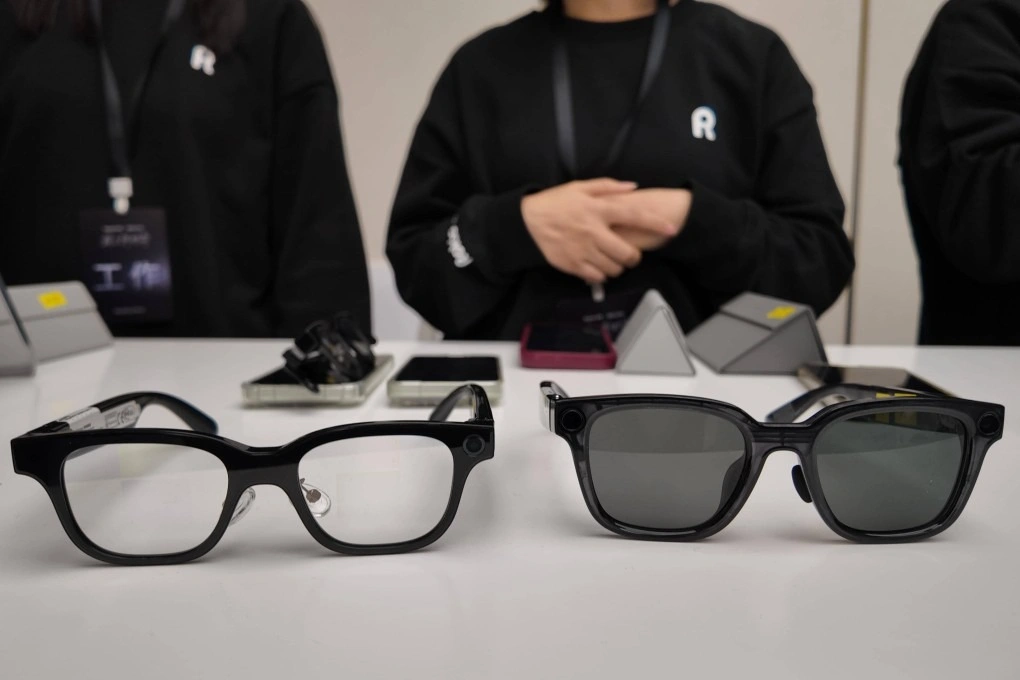
For those who prioritize an ultra-lightweight design (38.5g), superior camera quality (12MP), and open-source AI flexibility, the Rokid AI Glasses Style stands out as a top-tier, eye-safe wearable for 2026.
Protect your vision, lower your screen time, and step into the future of hands-free technology safely.
Ready to upgrade your everyday eyewear?[Explore Eye-Safe AI Glasses & Accessories Today]
For more smart tech insights, explore Home, check detailed Reviews, and compare devices in Compare Products. Find top Deals and learn about us on About Us and Our Mission. For transparency and policies, read Affiliate Disclosure, Disclaimer, and Privacy Policy. Have questions? Visit Contact Us or see full guidelines in Terms & Conditions.